You want to post regularly on Instagram or TikTok, but you don't have time to film or the energy to spend hours in CapCut? Artificial intelligence now lets you transform a simple idea into a short video ready to publish—no camera or technical skills required. This method shows you how to produce professional Reels and TikToks in 15 minutes flat, from script to final export. You'll discover the free tools that actually work, the exact workflow to keep publishing consistently, and the mistakes to avoid so your videos look natural. Whether you're a content creator, entrepreneur, or community manager, this approach saves you dozens of hours every month.
Why AI Changes Everything for Short Videos
AI removes the three major obstacles to creating Reels and TikToks: filming, editing, and consistency.
Before, producing a short video required equipment (a recent smartphone, ring light, microphone), skills (framing, lighting, editing), and above all, time. A single video could take two hours between prep, shooting, and editing.
Today, AI tools automatically generate:
- A complete script from a topic or keyword
- Illustration images or videos (free banks or AI generation)
- Natural voiceover in English, with proper intonation
- Subtitles synced perfectly
- Transitions and visual effects
Result: you go from idea to publishable video in 10 to 20 minutes. This speed radically changes the game for consistency. Publishing three Reels a week becomes realistic, even with a packed schedule.
According to a 2024 Hootsuite study, Instagram accounts that post at least 4 Reels per week gain 2.3 times more followers than those posting just one. AI lets you hit that frequency without blowing your time budget.
The Free Tools That Actually Work
Three tool categories are enough to produce Reels and TikToks with AI: script generation, video creation, and voiceover.
Script Generation
ChatGPT (free version) or Claude generate a 30- to 60-second script in seconds. Give a specific topic and ask for a „hook + 3 points + call-to-action" format. Example prompt: „Write a 45-second script for an Instagram Reel explaining how to choose a good mattress. Format: punchy hook, 3 concrete tips, call-to-action."
Automatic Video Creation
Runway Gen-3 (15 free credits per month) generates 5- to 10-second video clips from text. Perfect for transitions or illustration shots.
Pexels and Pixabay offer millions of free, royalty-free HD videos. Search in English to maximize results.
CapCut (free) remains the most-used editing tool among TikTok creators. It now includes AI features: automatic subtitling, background removal, sound effects.
Natural Voiceover
ElevenLabs (10,000 free characters per month) produces ultra-realistic English voiceovers. Choose the voice „Adam" or „Bella" for a natural sound.
Play.ht also offers a generous free plan with quality English voices.
If you want to go further with complete workflows and included AI credits for all these tools, Skilzy's AI UGC Videos program shows you how to produce 20 videos per month without extra subscriptions.
The Complete Workflow in 6 Steps
Here's the exact method to go from zero to a publishable video in under 20 minutes.
Step 1: Define Your Topic (2 minutes)
Choose a specific angle rather than a vague theme. Bad example: „The benefits of exercise." Good example: „3 five-minute exercises to relieve back pain at your desk." A specific topic generates a punchier script and attracts qualified viewers.
Step 2: Generate the Script (3 minutes)
Paste your topic into ChatGPT with this prompt:
"Write a 50-second script for an Instagram Reel about [your topic]. Structure: a hook that poses a concrete problem, 3 actionable tips with numbers or examples, a simple call-to-action. Direct and dynamic tone."
Reread the script, adjust if needed. Check that it's between 120 and 150 words (ideal length for 45 to 60 seconds spoken).
Step 3: Create the Voiceover (2 minutes)
Go to ElevenLabs, paste your script, choose a natural English voice. Adjust speed to 1.1x for dynamic delivery. Download the MP3 file.
For detailed advice on choosing and optimizing AI voiceovers in English, check out our complete guide to AI voiceovers.
Step 4: Find Visuals (5 minutes)
Identify 3 to 5 key moments in your script. For each, search for a video on Pexels (keywords in English). Download in 1080p. If you want to generate original shots, use Runway Gen-3 with short, descriptive prompts.
Step 5: Edit in CapCut (6 minutes)
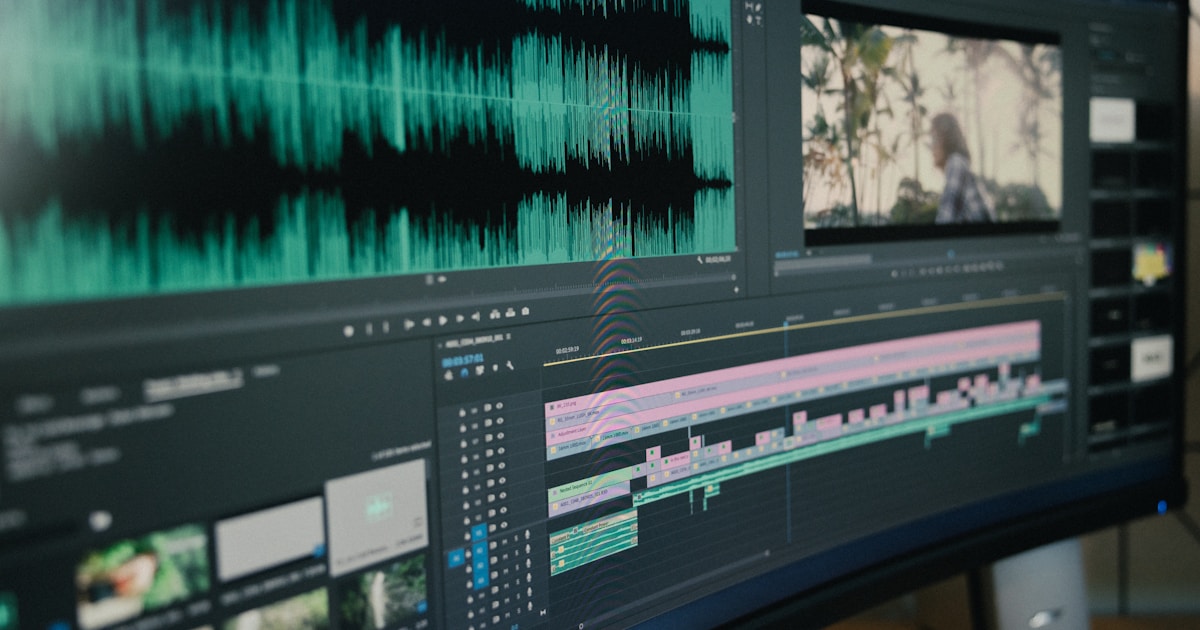
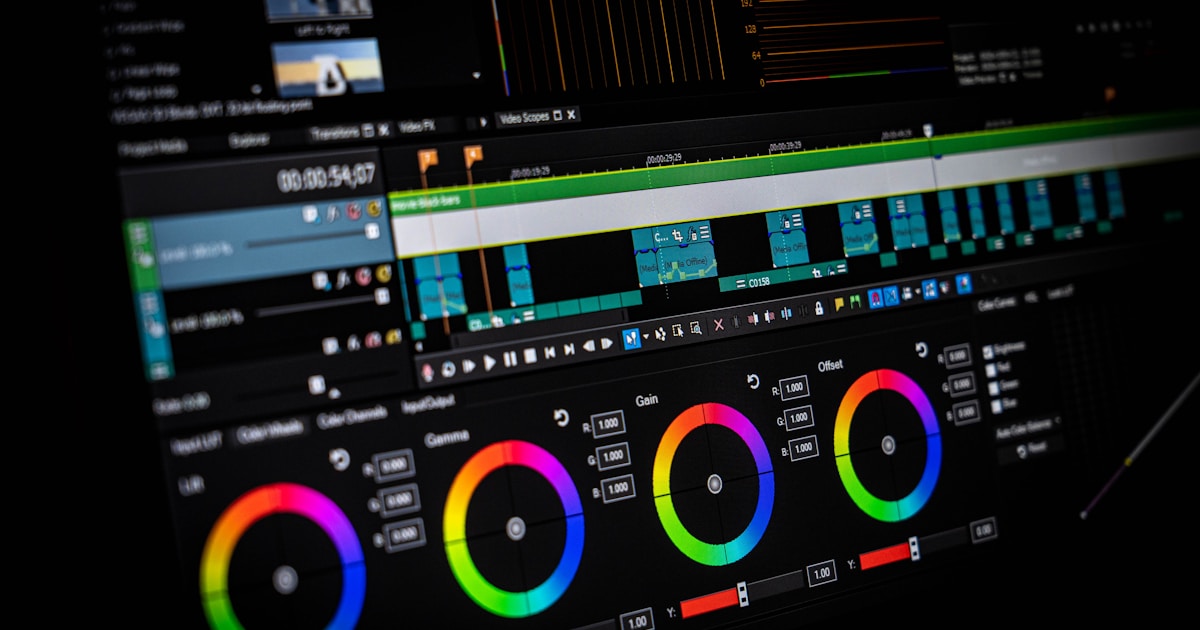
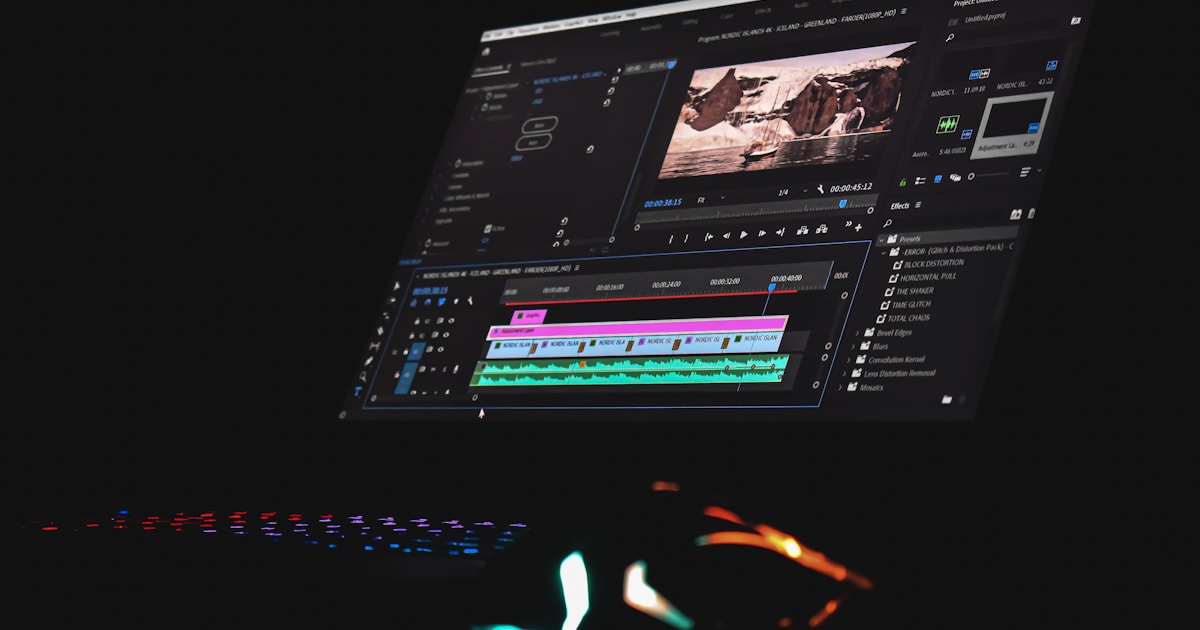
Import your voiceover, then your video clips. Place clips on the timeline, syncing them with the audio. Add automatic subtitles ("Auto captions" feature in CapCut). Customize font and color to match your visual identity. Add background music at low volume (CapCut free library).
Step 6: Export and Publish (2 minutes)
Export in 1080 x 1920 (vertical format), 30 fps, maximum quality. Publish directly from your phone or schedule with a tool like those featured in our article on automating social media.
The Mistakes That Kill Your AI Videos (and How to Avoid Them)
Three recurring mistakes make an AI-created video immediately recognizable and underperforming.
Mistake 1: Robotic Voiceover
Low-end AI voices have monotone delivery and flat intonation. Solution: use ElevenLabs or Play.ht (premium voices), slightly increase speed (1.05x to 1.15x), and add manual pauses in your script with periods or commas.
Mistake 2: Generic or Incoherent Visuals
Stringing together Pexels clips without a thread feels like a slideshow. Solution: choose a coherent visual theme (for example, always outdoor shots, or always close-ups of hands). Use smooth transitions (fades rather than harsh cuts).
Mistake 3: Unreadable Subtitles
Font too small, color blending into the background, no outline. Solution: sans-serif font (Montserrat, Poppins), minimum 48 pt size, white text with thick black outline or semi-transparent background.
Bonus: avoid overly long scripts. Beyond 60 seconds, completion rate plummets. If your topic needs more time, split into a series of 2 or 3 Reels.
Adapting Format for Instagram vs TikTok
Instagram Reels and TikTok share the short vertical format, but their algorithms and audiences react differently.
TikTok: Prioritize Rhythm and Surprise
The TikTok algorithm favors videos that grab attention in the first second. Start with a strong visual or audio hook (shocking question, counterintuitive claim, surprising number). Change shots every 3 to 4 seconds. Use popular sound effects (TikTok library) rather than neutral background music.
Instagram Reels: Focus on Aesthetics and Value
Instagram audiences expect more polished visual content. Pay attention to color consistency, use smooth transitions. Educational Reels (tutorials, tips, lists) outperform pure entertainment. Add a clear CTA at the end ("Save this post," "Share with a friend").
Universal Format: 9:16, 1080 x 1920, 30 fps
Both platforms accept this format. Always export at maximum quality: the algorithm penalizes blurry or pixelated videos.
To go even further in AI video content creation, also discover how to create UGC videos without actors or cameras or how to generate a complete video from simple text.
Conclusion
Creating Reels and TikToks with AI is straightforward: a good script, natural voiceover, coherent visuals, and simple editing are enough. This method lets you post regularly without sacrificing hours each week. Test the workflow on three videos, adjust based on what works, and automate what can be automated. AI doesn't replace creativity—it frees up time for what matters most: finding good ideas and understanding your audience.