You want a video ad for your product, but you don't have a camera, an actor, or a $3,000 agency. That's exactly the gap generative AI tools have been filling for the past two years: starting from plain text, you get video shots, a voice-over, music, and an edit that's ready to run on Instagram, TikTok, or YouTube. The result isn't magic and it won't replace a good idea, but it does let you test ten hooks in an afternoon instead of one per month.
This guide gives you three concrete methods, from the simplest to the most hands-on, with the time, formats, and real budget for each. You'll also see how to write the script, because that's where most of an ad's performance is decided — far more than in pixel quality. No technical skills required: if you can write a message and click a button, you can do this.
How AI Actually Builds a Video Ad
An AI-generated video ad is built from four blocks: the script, the animated shots, the voice-over, and the final edit. Each block matches a type of tool, and once you understand that breakdown, you stop looking for the magic button that doesn't exist.
The first block is text. A language model (an AI that writes, like ChatGPT or Claude) turns your product description into a 15- or 30-second script, broken down shot by shot.
The second block is visual. Video models like Veo, Kling, Runway, or Sora generate 5- to 10-second clips from a written description, called a prompt. You don't make a 30-second ad in one go: you generate 4 to 6 short clips and assemble them afterward. That's the principle explained in detail in our article on generating a video from text.
The third block is sound: a synthetic voice-over reads your script with natural intonation in a matter of seconds, and a music AI produces a royalty-free backing track.
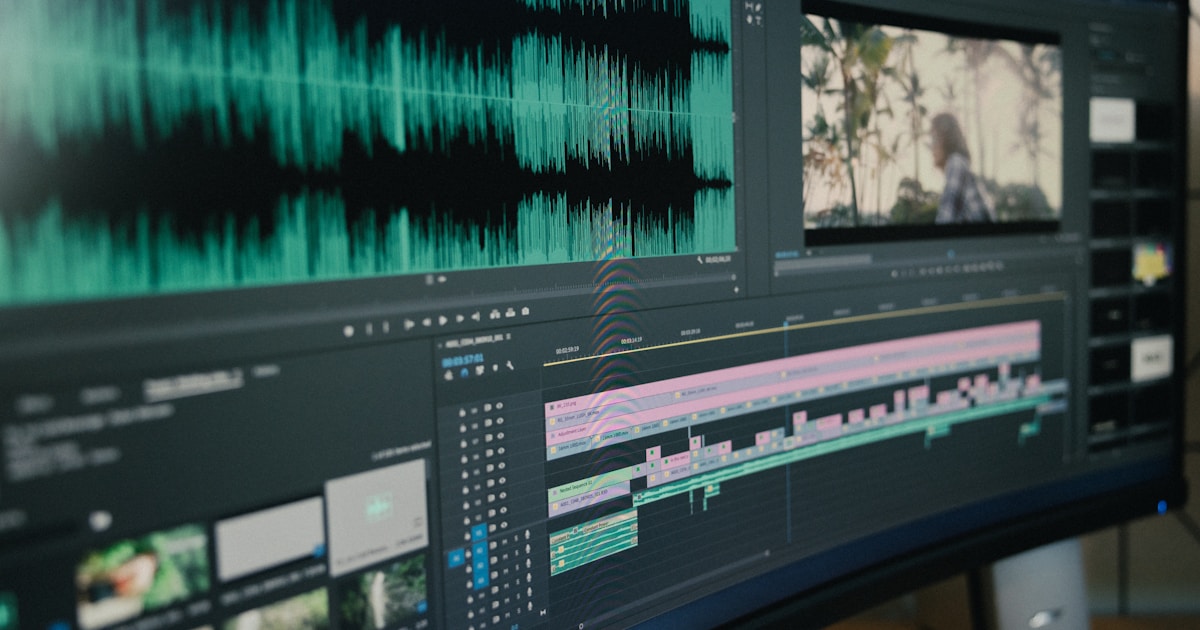
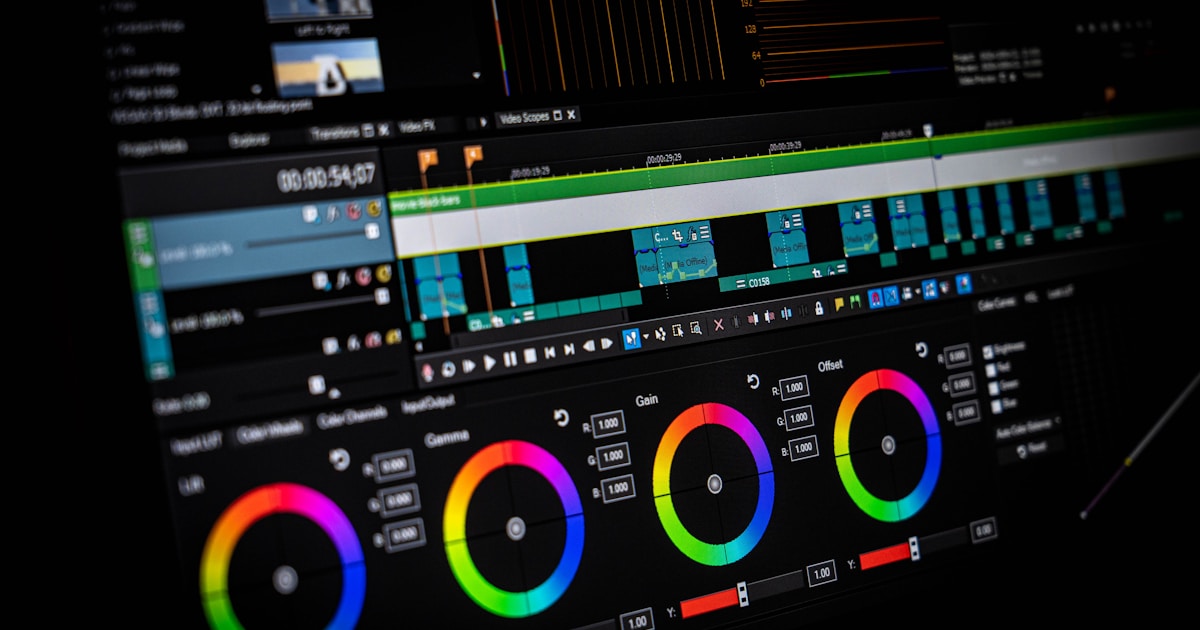
The fourth block is the edit: you drop the clips in order, lay in the voice, music, and subtitles, then export in the right format.
Budget 45 minutes to 2 hours for your first complete ad, then 20 to 30 minutes once you've got the method down. The real win isn't the speed of a single spot — it's being able to produce five variants to test which one converts.
Method 1: Create Your Video Ad in the Skilzy AI Lab
This is the most direct route for a beginner: one account, one subscription, and every video, voice, and music tool already wired up in the same place. The main obstacle when you're starting out isn't technical difficulty, it's the pile-up: one subscription for video generation, another for voice, a third for music, and $80 a month gone before you've published anything at all.
Skilzy brings together the two missing pieces: the training that tells you what to do, and the built-in AI Lab where you use the real tools with credits included. The program dedicated to creating video ads with AI walks you through producing a complete spot from script to export, with the prompts already written for you to adapt to your product.
A typical run looks like this:
- You describe your product, your audience, and your offer in the Lab.
- You generate three different script angles and keep the clearest one.
- You generate the shots one by one, rewriting any prompts that don't deliver.
- You add the voice-over and the music.
- You export in 9:16 for Reels and TikTok, then in 1:1 or 16:9 for everything else.
On budget, access starts at €29.90 per month, no commitment. To look before you pay, the discovery demo gives you 7 days with 1 image, 1 video, 1 music track, and 10 messages, no credit card required — enough to understand how it works and check that the output suits you.
Two state-recognized certifications round out the package, including the RS7439 certification in AI content marketing registered with France Compétences, useful if you want your upskilling funded.
Method 2: Assemble the Specialized Tools Yourself
You can absolutely do everything by hand by subscribing to the tools directly, as long as you accept being your own project manager. This method gives you maximum control over quality, and it's what creators who churn out ads at scale use.
The most common 2026 stack:
| Block | Common tools | Rough monthly price |
|---|---|---|
| Script | ChatGPT, Claude | €0 to €23 |
| Video shots | Veo, Runway, Kling, Luma | €20 to €100 |
| Voice-over | ElevenLabs, Cartesia | €5 to €25 |
| Music | Suno, Udio | €8 to €24 |
| Editing | CapCut, DaVinci Resolve | €0 to €20 |
Things to watch out for. First, consistency: from one clip to the next, the same character's face changes and the same product's label changes. The fix is to start from a fixed reference image and animate it, rather than generating every shot from scratch.
Next, commercial rights. Not every subscription allows advertising use, especially free tiers, which often add a watermark. Check the terms of service before launching a paid campaign.
Finally, the real cost. A failed generation burns credits anyway, and you should count on three to five attempts per shot at the beginning. That's the expense beginners systematically underestimate.
If your target format is a talking-head testimonial rather than a cinematic spot, take a look at UGC video created with AI instead, which uses talking avatars and often costs less in credits.
Method 3: Shoot on Your Phone and Let AI Finish the Job
The hybrid method delivers the best results for physical products: you film 30 seconds of real footage on your phone, and AI handles everything else. Shooting costs nothing, and it solves the credibility problem in one move, since your product actually appears as it really is.
In practice:
- Film 5 to 8 short shots in 9:16, in daylight, near a window: the product in hand, the unboxing, real-world use, a close-up on one detail.
- Import everything into an editor, then let AI generate automatic subtitles, cut out the silences, and propose a first assembly.
- Add a synthetic voice-over if you don't like your own voice, or record it yourself.
- Fill in with one or two AI-generated shots for settings you can't film: a beach, a New York office, an aerial view.
This approach demands real attention to sound. A phone's built-in mic is fine at under three feet and catastrophic at ten feet in a room that echoes. If you're speaking on camera, get closer or use a $20 lavalier mic. For the assembly side, our guide on video editing with AI breaks down what these automatic features handle well, and where they still fall short.
The Script, the Formats, and the Mistakes That Sink Your Results
A video ad that works follows a four-block structure: hook, problem, proof, action. Here's the template to copy for a 20- to 30-second spot.
Block 1, the first 3 seconds. A line or an image that stops the thumb. No logo, no intro. Example: «Your coffee goes cold in 8 minutes.»
Block 2, seconds 3 to 10. You name the concrete frustration, using words your customer would actually use.
Block 3, seconds 10 to 22. You show the product in action and give proof: a number, a before/after, a review.
Block 4, the last 5 seconds. One single action requested, shown on screen and spoken out loud.
On formats, the standard durations are still 6 seconds for a non-skippable bumper, and 15 and 30 seconds for social formats. The official Google Ads video format documentation details the constraints specific to YouTube. Export at 1080 x 1920 pixels for vertical formats, in H.264, and always plan a version with burned-in subtitles: most mobile views happen with the sound off.
The most common beginner mistakes: generating a 30-second spot in one block instead of six short clips; putting the logo up front; stacking spectacular shots without ever showing the product; producing only one version, which makes it impossible to know which hook works. Make three, run them on a small daily budget, and keep the one that performs.
Key Takeaways
An AI video ad comes down to four blocks and a solid script. Start with method 1 if you want a framework and a single subscription, move to method 2 once you're producing at volume, and reach for method 3 whenever your product is physical. In every case, the first version is never the right one: publishing three variants and watching the numbers is how you learn fastest. Once your spot is ready, also think about automating its publication on social media so you don't lose the time you just saved.